
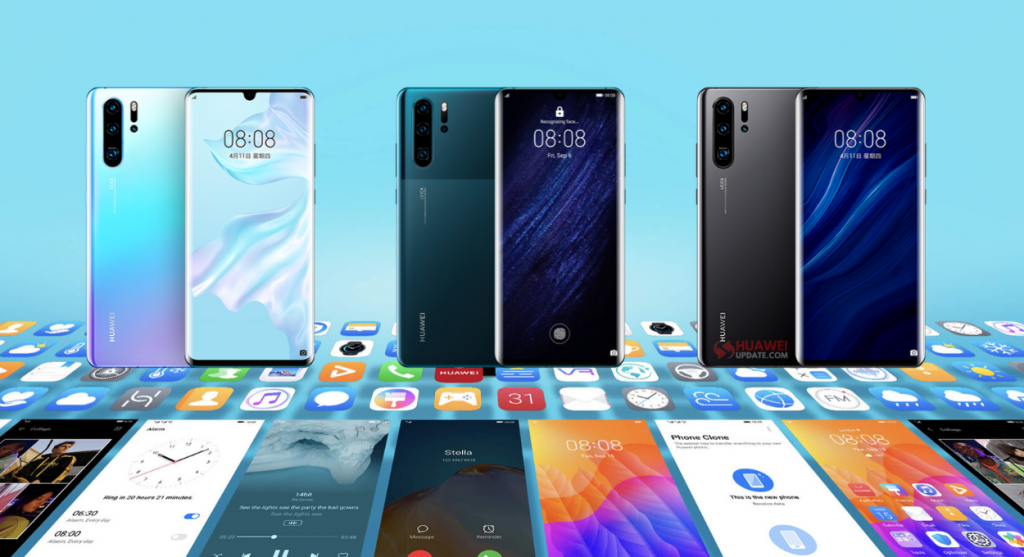
Huawei P30 Pro smartphone users in India have started receiving Stable EMUI 10.1 in India. The latest update brings new fingerprint animations, colorful AOD, multi-window multitasking, multi-device collaboration, and more.
Huawei P30 Pro EMUI 10.1 update in India comes with software version 10.1.0.146 and an update package size of 4.69GB.
Huawei P30 Pro EMUI 10.1.0.146 Changelog:
This update introduces EMUI 10.1, designed to deliver a finer-tuned user experience with a higher performance and more secure system. This operating system, based on distributed technologies, enables you to seamlessly interact across devices and enjoy a diverse range of practical features, including mobile office, in different scenarios. Install this update to facilitate a more intelligent lifestyle.
QUALITY USER INTERFACE:
Fingerprint animation:
Adds three fingerprint unlock animation options. Go to Settings> Biometrics & password> Fingerprint ID, input your lock screen password as required, then touch Fingerprint animation to select your preferred option.
Always On Display: (Colorful)
Allows Always on Display clock style to change the color dynamically based on the time of the day. You can also download extra AOD themes. Go to Settings> Home screen & wallpaper> Always On Display to try it out.
Multi-Window:
Allows you to multitask with ease in Split-screen mode, and send messages using a floating window while watching videos or playing games. Swipe in from the left or right edge of the screen and pause to display the Multi-Window dock. Hold an app icon in the dock and drag it to the side of the screen to enter a split-screen view, or touch an app icon to display it in a floating window.
Themes:
Adds two more themes
CONVENIENT MULTI-DEVICE COLLABORATION:
Call answering:
Allows you to pick up voice and video calls on your phone from your Huawei laptop.
File editing:
Allows you to directly read and edit files on your phone from your Huawei laptop, and also share your phone’s network and sync notifications.
SECURITY:
Integrates Android security patches released in July 2020 for improved system security.
How to update Huawei P30 Pro?
Download the latest EMUI 10.1 version on your P30 Pro smartphone from your phone settings just, Go to Settings > System > Software update > Check for Updates. If an update is available, Download and Install.
Or download via the Huawei’s official Support App.


Note: Received update? Send us an email (firmware@huaweiupdate.com) with Screenshots/Updates/Versions/Changelogs.
Check the latest EMUI 10.1 updates here. Join our Telegram Channel for the latest EMUI Updates and Huawei News.