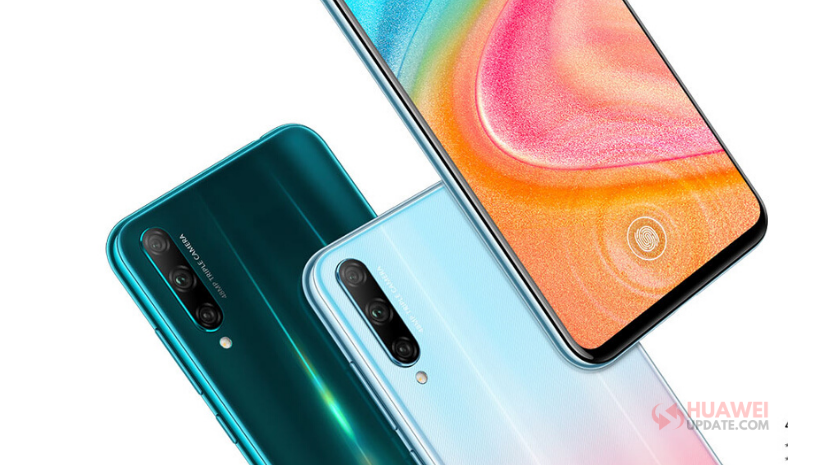
Honor 20 Youth Edition getting the latest EMUI 10.1 update with Knuckle Gestures features in China. The update brings version number EMUI 10.1.0.140. (This version is released and pushed to all users who signed up for EMUI 10.1 beta.)
Honor 20 Youth Edition EMUI 10.1.0.140 Changelog:
Model Name: LRA-AL00
Version Update: 10.1.0.135 → 10.1.0.140
[Fingerprint]
Optimizes fingerprint input experience.
Enable Knuckle Gestures:
Go to Settings > Accessibility features > Shortcuts & gestures to enable Take a screenshot, Record screen, and Split screen.
Take a screenshot:
Knock twice on the screen with a knuckle to take a screenshot.
Capture part of the screen:
Knock and draw an enclosed area with a knuckle to capture part of the screen.
Record screen:
Knock twice on the screen with two knuckles to start or end a screen recording.
Split screen:
Firmly draw a line across the screen with a knuckle to enter the split-screen mode.
Related:
- List of available Gestures in EMUI 10 and EMUI 10.1
- How to Enable Knuckle Gestures in Huawei EMUI [Screenshot, Record Screen, Split screen]
If you have received the latest EMUI update on your smartphone, you can send us an email at (firmware@huaweiupdate.com) with Screenshots/Updates/Versions/Changelogs.