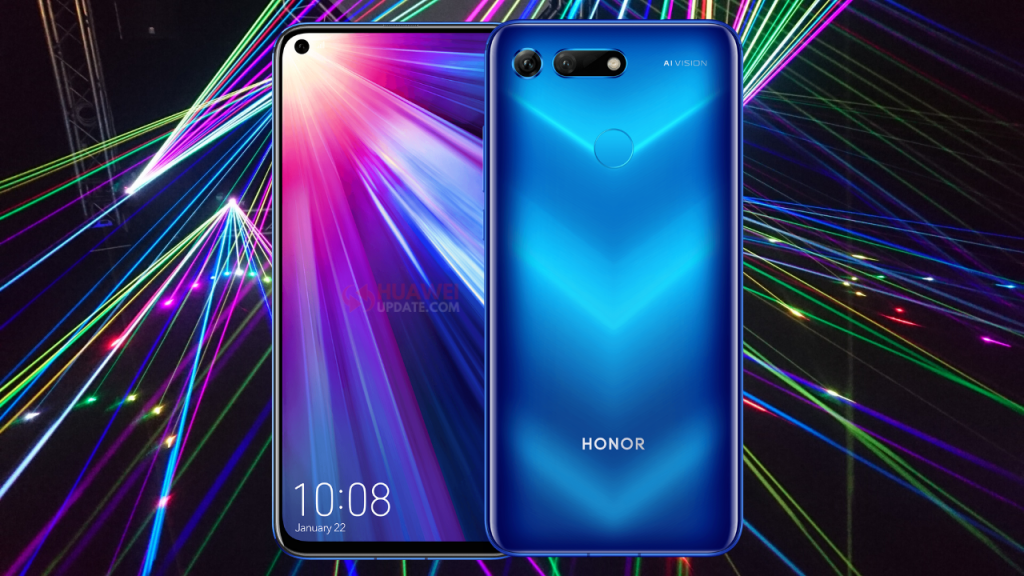
In the Middle East, Honor View 20 smartphone users now receiving the much awaited Magic UI 3.1 update with new features like Mult-Window mode, Multi-device collaboration, Huawei Assistant, Smart Charge, Huawei Browser, and more.
The Honor V20 latest Magic UI 3.1/EMUI 10.1 update brings software version 10.1.0.213 and it is exclusively rolling out via Support App. The update size is 4.81GB. Before upgrading the device, take backup and also check for proper internet connection.
Honor View 20 (V20) Magic UI 3.1 Changelog:
This update introduces Magic UI 3.1, designed to deliver a finer-tuned user experience with a higher performance and more secure system. This operating system, based on distributed technologies, enables you to seamlessly interact across devices and enjoy a diverse range of practical features, including mobile office, in different scenarios. Install this update to facilitate a more intelligent lifestyle.
QUALITY USER INTERFACE:
Multi-Window:
Allows you to multitask with ease in Split-screen mode, and send messages using a floating window while watching videos or playing games. Swipe in from the left or right edge of the screen and pause to display the Multi-Window dock. Hold an app icon in the dock and drag it to the side of the screen to enter a split-screen view, or touch an app icon to display it in a floating window.
Call answering:
Allows you to pick up voice and video calls on your phone from your Huawei laptop.
File editing:
Allows you to directly read and edit files on your phone from your Huawei laptop, and also share your phone’s network and sync notifications.
CONVENIENT MULTI-DEVICE COLLABORATION:
MeeTime:
Adds the MeeTime app, allowing you to make HD video calls even in dark environments using a Wi-Fi or data network.
Screen sharing:
Enables you to share your current screen for easier communication during video calls. You can write and draw on the screen as if talking face to face with the other party.
MORE HANDY FEATURES:
System performance:
Optimizes the deterministic latency engine to provide you with a smoother system user experience.
Huawei Assistant:
Adds Huawei Assistant to the home screen, providing smart reminders personalized news, and other content relevant to.
Battery:
Adds the Smart Charge mode, reducing battery aging by adapting to your charging routine through AI learning and preventing the battery from being continuously charged when full. (This feature is enabled by default.)
Apps:
Adds the Huawei Browser app, providing you with an all-new web browsing and searching experience.
How to download the latest EMUI 10.1 update?
Download from your system settings option: Tap on Settings > System > Software update > Check for Updates and Download it!
Download from Support App: Go to Support app > Services ->Update > Check for updates.
Note: Once you receive the latest EMUI updates, you can send us a tip with a screenshot/changelog/country name/version at firmware@huaweiupdate.com. We will update other users with the same device in different territories as soon as possible.