
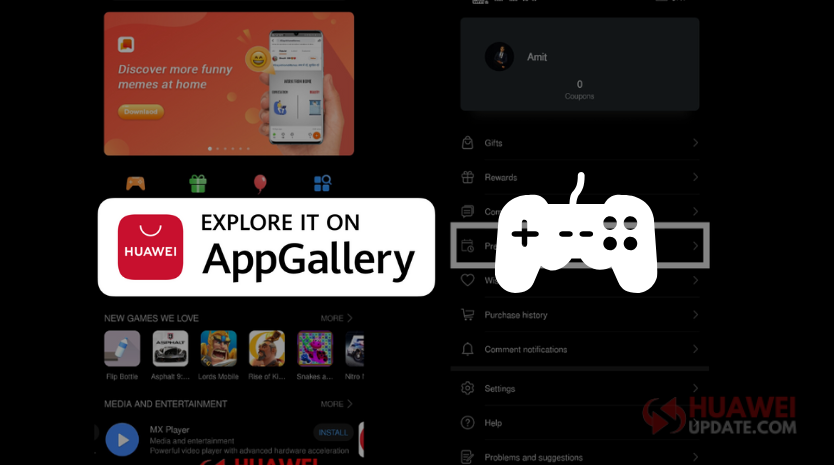
Huawei AppGallery is the Huawei official app market. Browse and download the apps you love – games, education, lifestyle, daily essential, fashion, and more. Huawei AppGallery is currently in 3rd place around the world. If you want to know how to pre-order games like Epic War, Pixelmon, and more in Huawei AppGallery, follow the below simple steps.
How to pre-order games in Huawei AppGallery:
Step 1:
Open AppGallery > Navigate to “Me” tab and Tap on “Pre-orders”.


Step 2:
– Under Pre-orders > Touch “PRE-ORDER A GAME”.


Step 3:
– Select your liked “Game” and Tap on the “Pre-Order” option.
– When available select these two options “Auto-download” or “Notify Me”.


Step 4:
– Once completed | There will be a pop-up saying “Pre-ordered Successfully”.
– You can also check your “Pre-ordered” Games details by navigating “AppGallery > Me > Pre-orders”.
Want to Cancel your Pre-Order?
– Just tap on the “Pre-Ordered” tab and select “Yes”.
Related: