
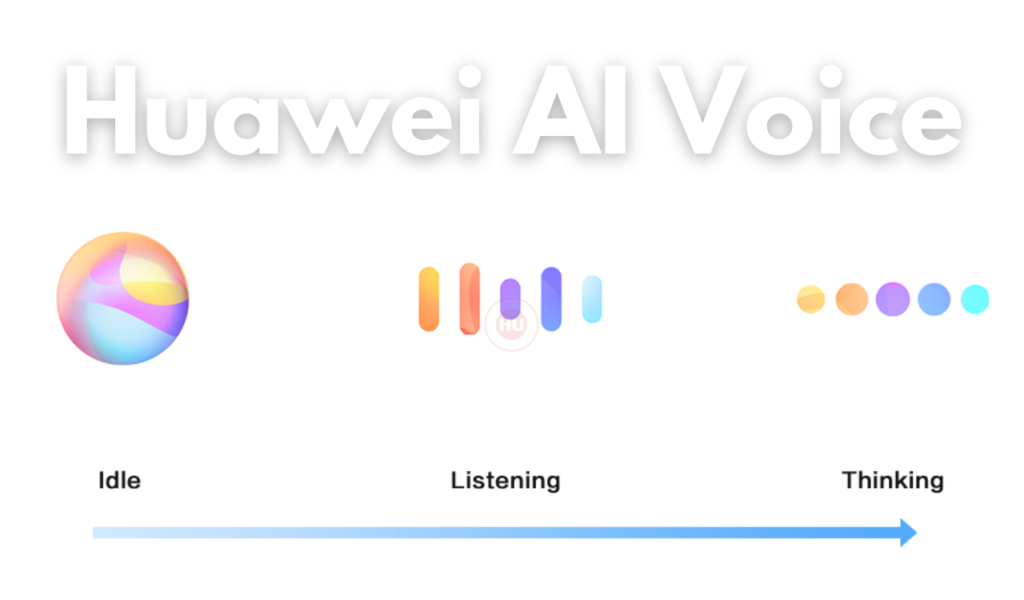
Huawei AI Voice is an application provided by Huawei for its users. AI Voice is only supported in certain countries and regions. In this article, we will check the latest app version of the Huawei AI Voice.
According to the official information, the Huawei AI Voice August 2024 update is rolling out with version 12.1.6.402.
Countries and Regions Where AI Voice Can Be Used
Huawei AI Voice in English, French, and Spanish in the UK, France, Spain, Chile, Mexico, and Colombia.
To set your country and region, and the system language you want to use, go to Settings > System & updates > Language & input > Language and region. AI Voice can only be woken up if you select one of the above countries.
You can select a language for communicating with AI Voice from the settings menu by touching in full screen in AI Voice. Currently, only English, French, and Spanish are supported.
Wake Up or Disable AI Voice
There are multiple ways to wake up AI Voice, depending on the device model you use. For example:
Press and hold the Power button for 1 second to wake up AI Voice
Before using this method, go to Settings > HUAWEI Assistant > AI Voice > Wake with Power button , and enable Wake with Power button.
Disable Wake with Power button if you do not need this method.
Say the wakeup word to wake up AI Voice
You need to record your wakeup word before using this method.
Go to Settings > HUAWEI Assistant > AI Voice > Voice wakeup , then enable Voice wakeup. Follow the onscreen instructions to enroll your wakeup voice command.
To wake up AI Voice, say the wakeup word loudly.
Download the latest Huawei AI Voice App APK:
- Download Huawei AI Voice 12.1.6.402 APK [August 03, 2024]
- Download Huawei AI Voice 12.1.4.400 APK [May 23, 2024]
- Download Huawei AI Voice 12.1.3.400 APK [April 20, 2024]
- Download Huawei AI Voice 12.1.1.410 APK [March 22, 2024]
- Download Huawei AI Voice 12.1.1.401 APK [March 12, 2024]
- Download Huawei AI Voice 12.1.1.400 APK [February 26, 2024]
- Download Huawei AI Voice 11.1.12.410 APK [February 12, 2024]
- Download Huawei AI Voice 11.1.12.401 APK [January 25, 2024]
- Download Huawei AI Voice 11.1.10.311 APK [January 12, 2024]
- Download Huawei AI Voice 11.1.10.300 APK [December 19, 2023]
- Download Huawei AI Voice 21.0.18.304 APK [December 12, 2023]
- Download Huawei AI Voice 11.1.8.411 APK [October 26, 2023]
- Download Huawei AI Voice 11.1.5.303 APK [August 05, 2023]
- Download Huawei AI Voice 11.0.64.303 APK [December 25, 2022]
- Download Huawei AI Voice 11.0.63.303 APK [November 11, 2022]
- Download Huawei AI Voice 11.0.58.302 APK [October 01, 2022]
- Download Huawei AI Voice 11.0.56.307 APK [September 26, 2022]
- Download Huawei AI Voice 11.0.54.302 APK [August 17, 2022]