
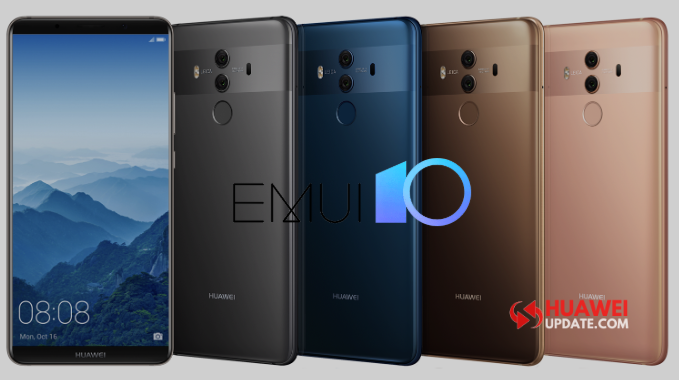
Huawei started rolling out the EMUI 10 update for the Huawei P20 Pro and Mate 10 users globally. In Europe, the Huawei P20 Pro getting a version number EMUI 10.0.0.161 and size 4.59GB, while the Mate 10 getting a version number EMUI 10.0.0.158 and size 4.39GB.
Huawei Mate 10 EMUI 10.0.0.158 (C636E4R1P3) Update Spain Info:
EMUI 10.0 is designed for more optimized and better user experience. Users have a completely new, optimally coordinated user interface available for a smooth and intuitive user experience. The improved data protection also ensures safer use.
User interface: Detailed and unique.
Magazine design
layout in a magazine-style for a comfortable and authentic reading experience.
Morandi color
Subtle gray tones for an eye-friendly and comfortable viewing experience.
Animations
Dynamic, natural animations for page transitions, app launches, and other scenarios.
Performance: Stable and smooth.
GPU Turbo
Improved system operation and increased system stability while gaming.
Quick Single: List of available Gestures in EMUI 10 and EMUI 10.1
Phone Clone
Increased connection and cloning speed.
Security: Increased data security and improved data protection.
Formally tested microkernel
Uses the microkernel design developed by Huawei, certification as the safest operating system kernel for commercial use.
Distributed technology
Increased security when connecting to other Huawei devices and when transferring files between and storing data on other Huawei devices.
Data protection
Support for app sandboxing functions for standardized app authorization management and increased data security and improved data protection.


(Image Credit – Reddit)
How to download EMUI 10?
Download from your system settings option: Tap on Settings > System > Software update > Check for Updates and Download it!
Download from Support App: Go to Support app > Services ->Update > Check for updates.
Also Check:
- 27 Best EMUI 10.1 Tips and Tricks
- EMUI 10.1: Latest News, Rollout Date, Features, and Eligible Devices
- May 2020 EMUI 10 and EMUI 10.1 Update List
- June 2020 EMUI 10 and EMUI 10.1 Update List
Looking for the latest Huawei updates? Join us on the Telegram channel for instant updates. You can also follow us on Twitter and Facebook.
Note: Once you receive the latest EMUI updates, you can send us a tip with a screenshot/changelog/country name/version at firmware@huaweiupdate.com. We will update other users with the same device in different territories as soon as possible.