
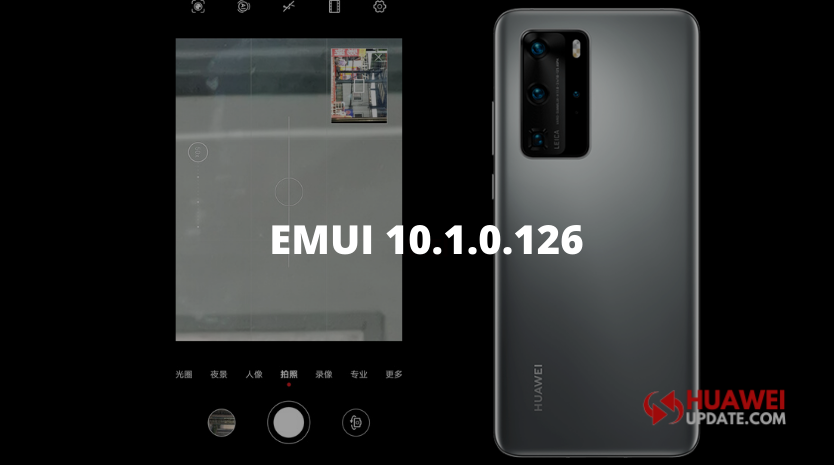
Huawei P40 and P40 Pro smartphone users getting a new update with version number EMUI 10.1.0.126. It adds a telephoto picture-in-picture preview interface when the camera zooms and zooms to 15 times or more.
Huawei P40 and P40 Pro EMUI 10.1.0.126 Models:
- HUAWEI P40 5G – ANA-AN00 & ANA-TN00
- HUAWEI P40 Pro 5G ELS-AN00 & ELS-TN00
Huawei P40 and P40 Pro Version Update:
- HUAWEI P40 5G: 10.1.0.123 – 10.1.0.126
- HUAWEI P40 Pro 5G: 10.1.0.123 – 10.1.0.126
Huawei P40 and P40 Pro EMUI 10.1.0.126 Changelog:
[Camera]
This update adds a telephoto picture-in-picture preview interface when the camera zooms and zooms to 15 times or more to help users understand the telephoto lens viewfinder position, positioning faster to shoot objects enhanced AI moments removal of passers-function optimization part of the scene camera experience, Improve the clarity of photos.
After zooming, the Previewer function is added in the upper left corner, which is quite practical.


(Source – Huawei)
[Network] Optimize the speed of WLAN network in some scenarios, improve the Internet experience.
[System] Optimize the display effect of notifications on the notification panel interface.
Note: This update is currently rolling out in China.
How to update Huawei P40 and P40 Pro?
Go to Settings -> ‘System & updates’ -> ‘Software update’ -> ‘Check for updates’ -> ‘Download and install’.
You can also update your P40 series smartphone using the Support app. Open the app, go to Support App-> Services -> Update > Check for updates. (Get the latest version of the app.)
Note: If you have received the latest EMUI update on your smartphone, you can send us an email (firmware@huaweiupdate.com) with Screenshots/Updates/Versions/Changelogs.