April 2020 update Huawei Watch GT 2 update
Huawei has started rolling out April 2020 updates for the Huawei Watch GT2, Watch GT and Watch GT2e. Huawei’s latest smartwatch is a sportier version of its Watch GT2. Huawei claims that the in-house Kirin A1 chipset can deliver up to two weeks of battery life. The Watch GT2e has 4GB of storage for around 500 songs.
The SpO2 sensor can monitor aerobic and anaerobic workouts and can calculate your VO2Max. It can also report recovery times and training intensity as it tracks progress throughout the week. The Watch GT2e is rated at 5 ATM water resistance for when you swim or surf.
The Huawei Watch GT2e arrives in Lava Red, Mint Green, Icy White, and Graphite Black and will a price tag of €200.
As we reported earlier, The Huawei Watch GT 2 update brings version number 1.0.6.26 with an update size of about 18MB.
Huawei Watch GT2 1.0.6.26 Changelog:
1.0.6.26 Watch GT2
Huawei Watch GT 1.0.11.20 Changelog (2.84MB):
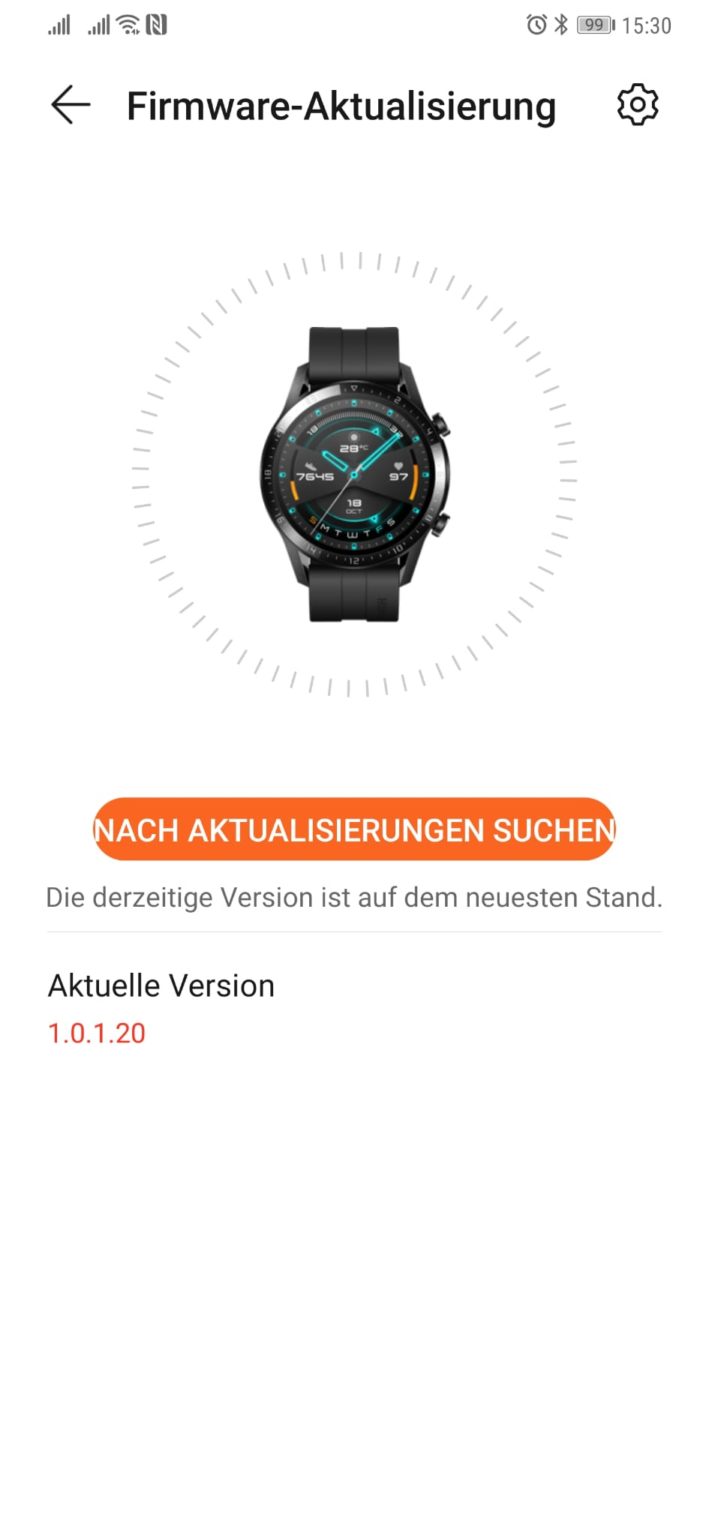
Huawei Watch GT 2e 1.0.1.20 Changelog:
The first update is rolling out for the Watch GT2e before sales start. It should be available when you receive the smartwatch. Unfortunately, no changelog was displayed during the update on the Watch GT2e.
Huawei Watch GT 2e Specifications:
[Note]
1) After the update has been transferred to your watch. Wait a few minutes to ensure that the installation is complete.
2) Before updating, make sure your watch’s battery level is higher than 20%.
How to update Huawei SmartWatch:
Connect the watch to your phone using the Huawei Health app, open the app, touch Devices, touch the device name, choose the Firmware update. Download it.
If you have received the latest update on your smartphone/devices, you can send us an email (firmware@huaweiupdate.com) with Screenshots/Updates/Versions/Changelogs.
Okay, so you're sitting in your favorite café, scrolling through Instagram, and suddenly your WiFi…
Your Huawei phone won't charge. You plug it in, nothing happens. Before you panic or…
Locked out of your Huawei phone? Don't panic. Whether you've forgotten your password, PIN, pattern,…
Is your Huawei phone dying in just a few hours? You're not alone. Battery drain…
Huawei is getting ready to release a new super-thin phone called the Mate 70 Air.…
Tipster Digital Chat Station has confirmed that the Chinese tech giant Huawei will release new…