
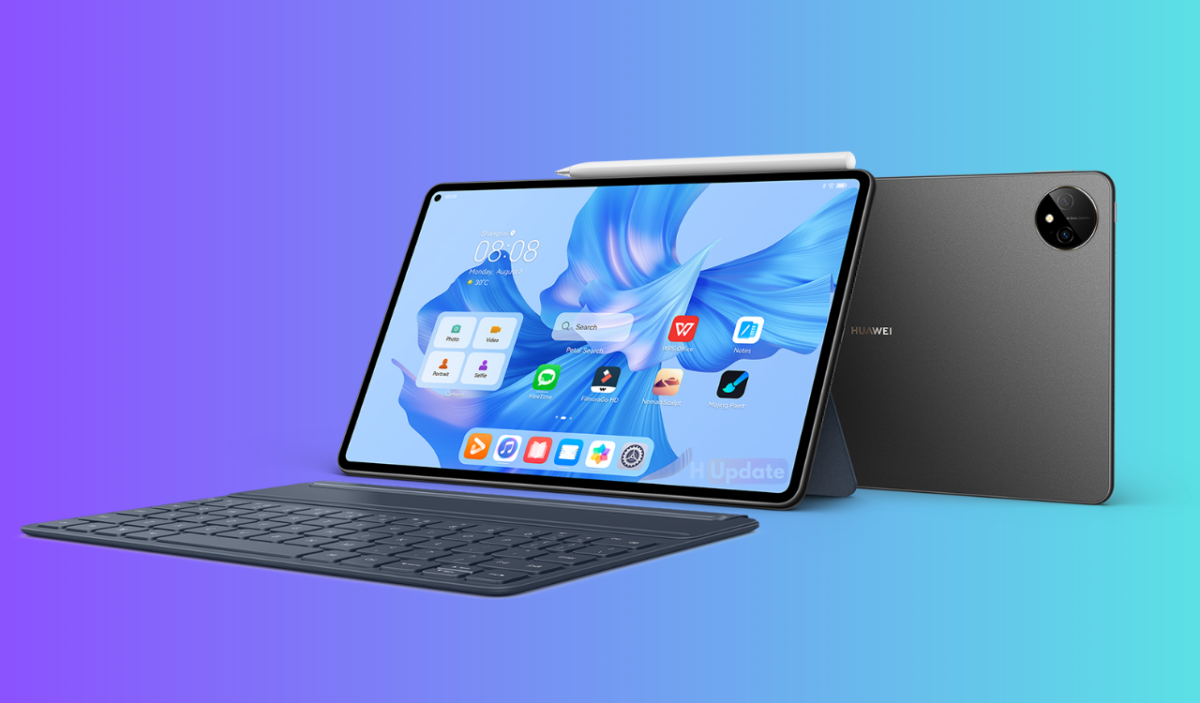
Huawei MatePad Pro 11-inch tablet is now reportedly getting the HarmonyOS 4.2 update. The version number is 4.2.0.208 (C00E100R9P7), which brings new functions such as shake permission management, WLAN network automatic connection switch, and screen off shorthand. The system package size is about 6.46 GB.
Huawei MatePad Pro 11 2022 HarmonyOS 4.2 update
System
Improve the user experience in various scenarios such as application launch, task switching, sliding operation, etc., giving you a smoother and more fluid operating feel.
Optimize the global search experience, and make desktop pull-down operations smoother.
Added a new WLAN network automatic connection switch, which can control whether to automatically connect to a previously connected WLAN network (setting method: long press the network name → Modify network → Automatically connect).
Interface
Xiaoyi suggested that scene cards can be stacked for display to improve the user experience of scene cards.
Polish the operation details of more scenes to make the visual effects, prompts, etc. more refined and accurate.
Safety
By controlling the permissions of apps to obtain device orientation, we can block the “shake” ads in apps and provide you with a purer app experience (Control method: Settings → Privacy → Permission management → Apps obtain device orientation).
Establish a device-cloud coordination mechanism to achieve more accurate and faster control of malicious applications.
Added a new anti-false alarm mechanism for viruses and risky applications, intelligently identifying viruses and risky applications, making HarmonyOS purer and safer.
Control the notification sending permissions of newly installed third-party apps, effectively simplify notification messages and make life easier.
Accessories
When the tablet screen is off, tap the screen with the stylus to quickly open the “Note” app to take notes and realize pen-based shorthand (opening method: Settings → Accessibility → Stylus → Pen-based shorthand independent switch).

