This shortcut is disabled by default so enable it by going to Camera app -> Settings -> Ultra snapshot and select the Open camera option. HUAWEI P30 PRO...


Just enable the feature from Settings -> Smart assistance -> Shortcuts & gestures -> HiVoice. HUAWEI P30 PRO SPECIFICATIONS: DISPLAY Size: 6.47 inchesColour: 16.7 million colours Colour Gamut: Wide Color...


if you miss the double tap to wake feature on your P30 or P30 Pro, just enable it from Settings -> Smart assistance -> Shortcuts & gestures ->...


Huawei P30 Pro Tips And Tricks: Switch Default Launcher To change the default launcher on the Huawei P30 or the P30 Pro, download the third-party launcher...


Turn on Display for Notifications: Getting a lot of notifications? Don’t worry For this, you can use simply get the display to turn itself on automatically...


Are you looking to quickly answer calls on your Huawei P30 or P30 Pro? Go to Settings -> Smart assistance -> Shortcuts & gestures -> Answer...
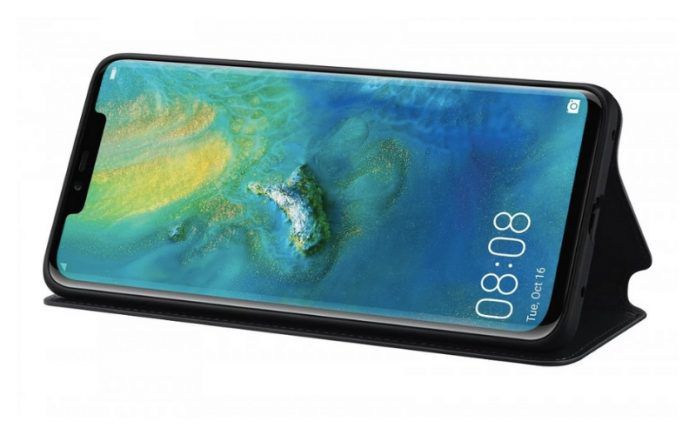


Huawei announced EMUI 9.1, a new major software update for Huawei/Honor devices. The EMUI 9.1 comes pre-installed in the new flagship series, Huawei P30 and P30...


At the MWC 2019 exhibition in February this year, the debut of Huawei’s first folding screen Mate X was a great show. The aircraft defeated many powerful...


Dual-view video recording was not available out-of-the-box, and was promised to be delivered through an OTA update. This has now arrived to the device through the EMUI 9.1.0.153...

Huawei recently launched a super fast-charging vertical wireless charger (Max 80W). The latest charger was launched in silver and obsidian gray. This wireless charger is now...