




Tips And Tricks
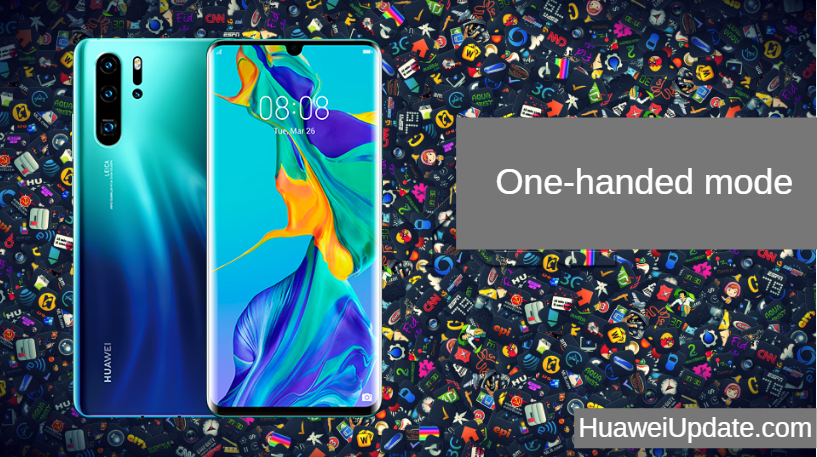
Huawei P30 Pro Tips And Tricks: One-handed mode
With a massive 6.47-inch display, the P30 Pro is a massive handset. The smaller P30 is also relatively large with...

Huawei P30 Pro Tips And Tricks: Performance mode
Enable Performance mode from Settings -> Battery. Do not use it for an extended period of time though since it is good...

Huawei P30 Pro Tips And Tricks: Wireless Reverse Charging
you will need to enable the wireless reverse charging option from Settings -> Battery -> Reverse wireless charging option. HUAWEI P30 PRO...

Huawei P30 Pro Tips And Tricks: Switch to Navigation Gestures
You can switch to navigation gestures on the Huawei P30 Pro from Settings -> System -> System navigation and switch to Gestures from there....
Huawei P30 Pro Tips And Tricks: Dolby Atmos
You can tweak the Dolby Atmos settings on your Huawei P30 Pro from Settings -> Sounds -> Dolby Atmos. HUAWEI P30...

Huawei P30 Pro Tips And Tricks: Auto-record Calls
For the latter, go to Settings -> Apps -> Phone Services -> Auto-record calls. Proceed to enable the option and tweak the...

Huawei P30 Pro Tips And Tricks: Quickly Open Camera App
This shortcut is disabled by default so enable it by going to Camera app -> Settings -> Ultra snapshot and select the...

Huawei P30 Pro Tips And Tricks: Quickly Access Google Assistant
Just enable the feature from Settings -> Smart assistance -> Shortcuts & gestures -> HiVoice. HUAWEI P30 PRO SPECIFICATIONS: DISPLAY Size: 6.47...
Huawei P30 Pro Tips And Tricks: Double Tap to Wake
if you miss the double tap to wake feature on your P30 or P30 Pro, just enable it from Settings ->...
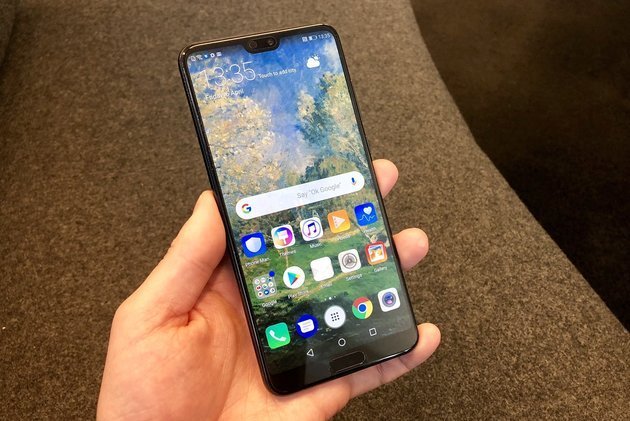
How to hide apps in Huawei P20 Pro
How to lock and hide apps in Huawei P20 Pro and P20 EMUI 8.1 Step 1: Quickly pinch zoom on your Huawei...