


Huawei P30 Pro Tips And Tricks: Quickly Access Google Assistant
Just enable the feature from Settings -> Smart assistance -> Shortcuts & gestures -> HiVoice. HUAWEI P30 PRO SPECIFICATIONS: DISPLAY Size: 6.47 ...
Just enable the feature from Settings -> Smart assistance -> Shortcuts & gestures -> HiVoice. HUAWEI P30 PRO SPECIFICATIONS: DISPLAY Size: 6.47 ...
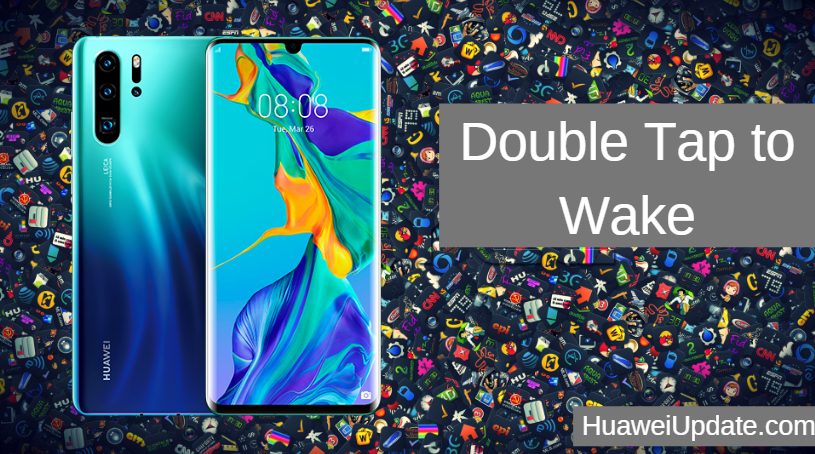
if you miss the double tap to wake feature on your P30 or P30 Pro, just enable it from Settings -> ...
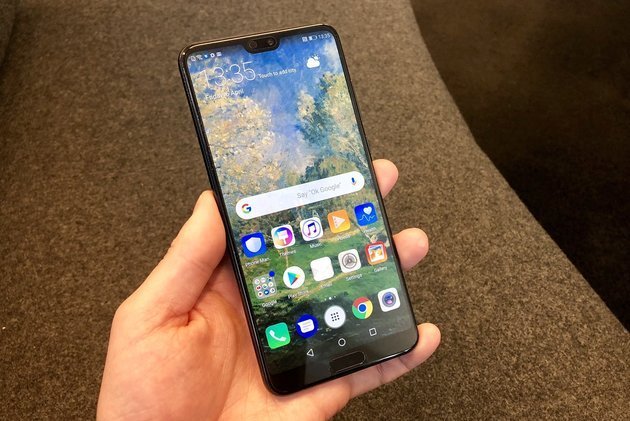
How to lock and hide apps in Huawei P20 Pro and P20 EMUI 8.1 Step 1: Quickly pinch zoom on your Huawei ...
Huawei P30 Pro Tips And Tricks: Switch Default Launcher To change the default launcher on the Huawei P30 or the ...

Turn on Display for Notifications: Getting a lot of notifications? Don't worry For this, you can use simply get the ...

Are you looking to quickly answer calls on your Huawei P30 or P30 Pro? Go to Settings -> Smart assistance ...
How To Change Display Density On Huawei P30 pro: To change the display density on the Huawei P30 Pro, head ...
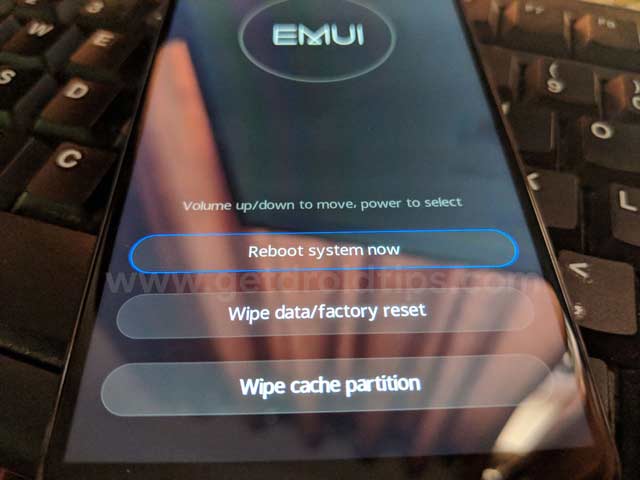
How to factory reset Huawei P20 Pro and P20 EMUI 8.1 Step 1: Press & hold the power button for 5-7 seconds Step ...
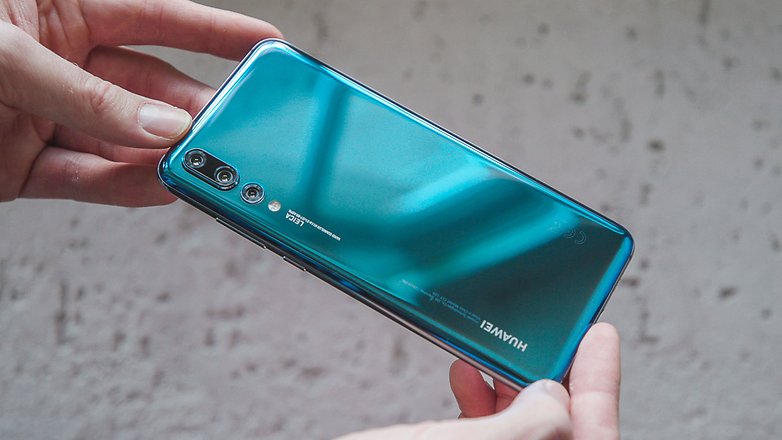
How to fix black screen issue on Huawei P20 Pro and P20 EMUI 8.1 1st Method: Charge your device up to ...
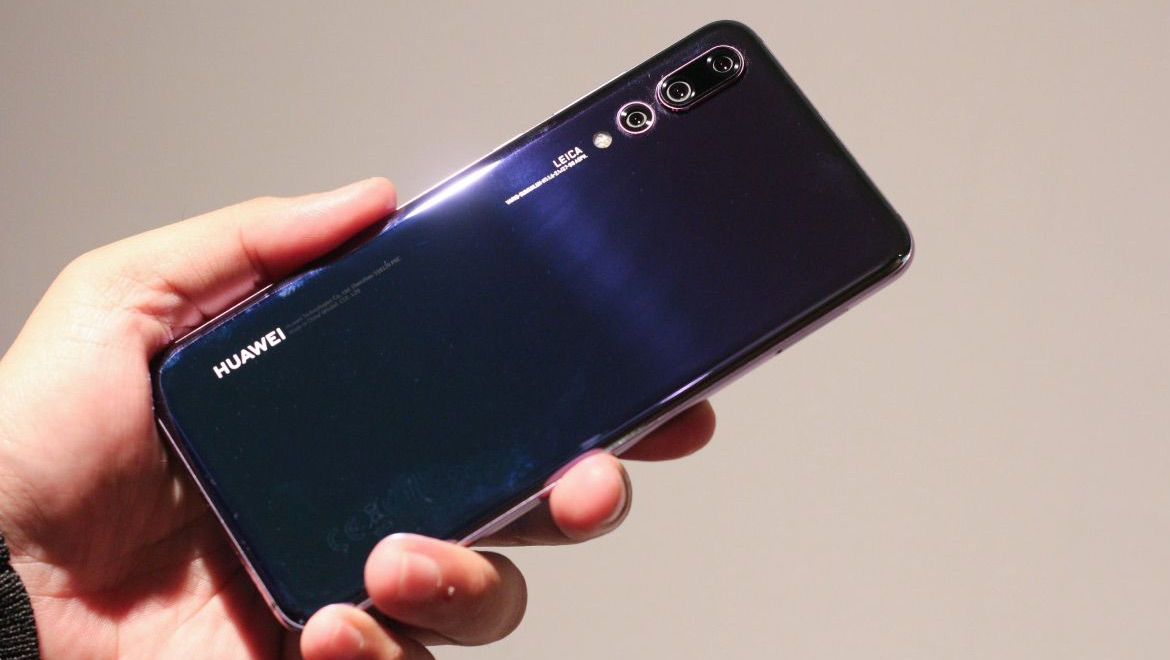
How to hard reset Huawei P20 Pro and P20 EMUI 8.1 Step 1: Press the power button and volume up button at same time until wake up ...