


HU
No Result
View All Result
  • Home
  • HarmonyOS
    • HarmonyOS History
  • EMUI Updates
    • EMUI History
  • News
    Huawei Mate 80 Pro

    Huawei Mate 90 Hardware Upgrades & INSPIRE 2026 Cloud News

    MTN Zambia and Huawei

    MTN Zambia and Huawei, have teamed up to fix a big problem

    Huawei & Angola Partner

    Huawei & Angola Partner for Smart Grid Transformation & Green Energy

    Huawei Mate 90 news

    Huawei Mate 90 Series Sales Date: Flagship Timeline Revealed Early

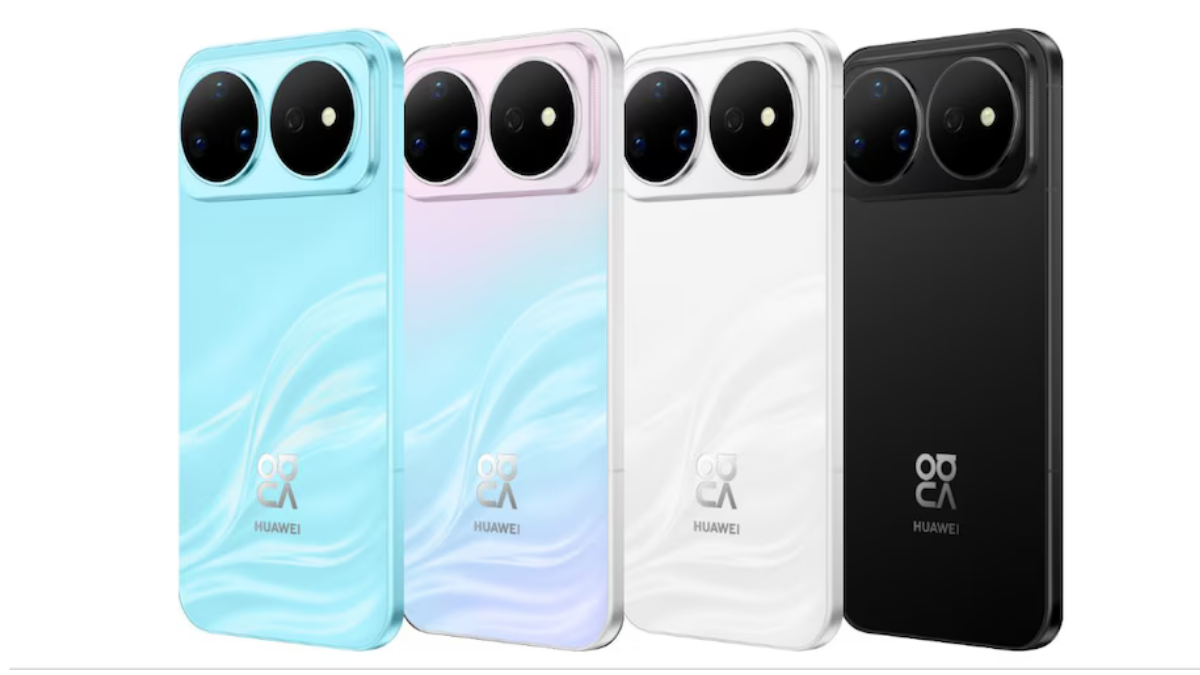
    Huawei Nova 16 Ultra

    Huawei Nova 16 Ultra launched with 200MP camera and 7000mAh battery

    Huawei Maextro S800 ultra

    Huawei Maextro S800 ultra luxury sedan outsells Mercedes Maybach in China

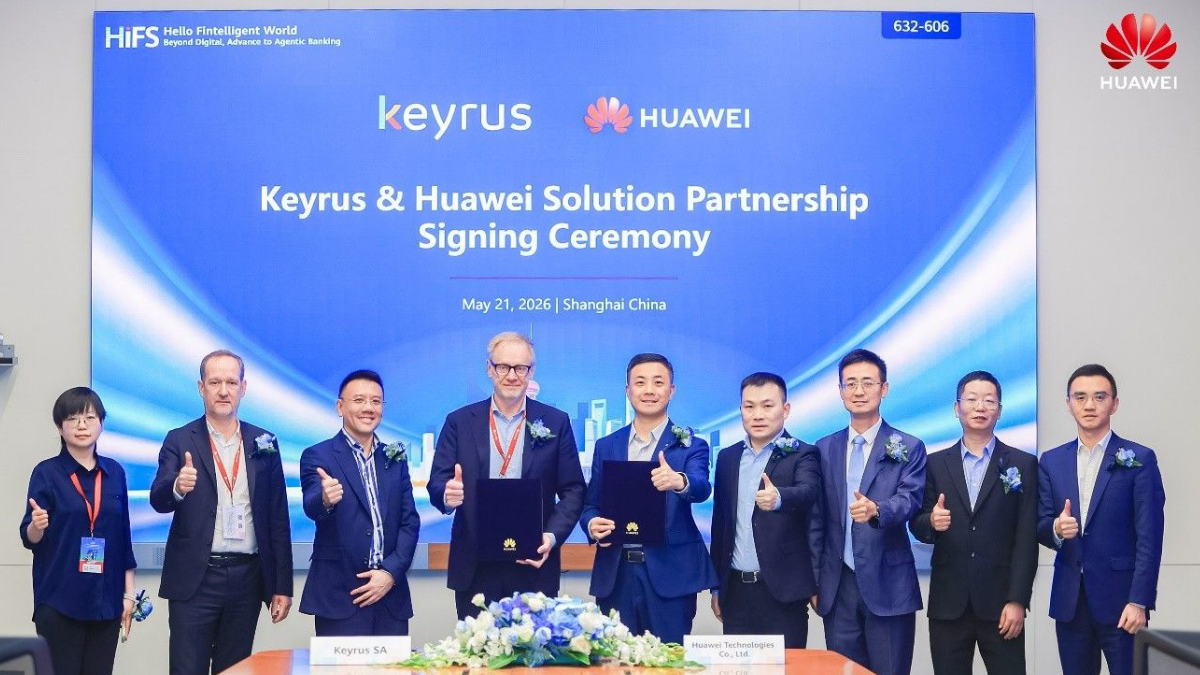
    Huawei Keyrus

    Huawei partners with Keyrus to scale data and AI tools in global markets

    Huawei Logo Image - Credit Unsplash

    Huawei Ascend chips reach major milestone in new DeepSeek AI update

    Huawei Gartner 2026 image

    Huawei Named Leader in 2026 Gartner Wired and Wireless LAN Infrastructure Magic Quadrant

    Trending Tags

    • Mate 50
    • P40
  • Send A Tip
  • Home
  • HarmonyOS
    • HarmonyOS History
  • EMUI Updates
    • EMUI History
  • News
    Huawei Mate 80 Pro

    Huawei Mate 90 Hardware Upgrades & INSPIRE 2026 Cloud News

    MTN Zambia and Huawei

    MTN Zambia and Huawei, have teamed up to fix a big problem

    Huawei & Angola Partner

    Huawei & Angola Partner for Smart Grid Transformation & Green Energy

    Huawei Mate 90 news

    Huawei Mate 90 Series Sales Date: Flagship Timeline Revealed Early

    Huawei Nova 16 Ultra

    Huawei Nova 16 Ultra launched with 200MP camera and 7000mAh battery

    Huawei Maextro S800 ultra

    Huawei Maextro S800 ultra luxury sedan outsells Mercedes Maybach in China

    Huawei Keyrus

    Huawei partners with Keyrus to scale data and AI tools in global markets

    Huawei Logo Image - Credit Unsplash

    Huawei Ascend chips reach major milestone in new DeepSeek AI update

    Huawei Gartner 2026 image

    Huawei Named Leader in 2026 Gartner Wired and Wireless LAN Infrastructure Magic Quadrant

    Trending Tags

    • Mate 50
    • P40
  • Send A Tip
No Result
View All Result
HUpdate
No Result
View All Result
Home Tips And Tricks

Troubleshooting mobile network issues in Huawei phones

Min by Min
November 8, 2021
in Tips And Tricks
0
Fix Network issue in Huawei Phones

Fix Network issue in Huawei Phones

206
SHARES
2.6k
VIEWS
Share on FacebookShare on Twitter

If you are a Huawei smartphone user and facing SIM card cannot be recognized issue? You are not able to receive or make calls, or the 4G network cannot be found? If you are experiencing any of these network or signal issues, follow the troubleshooting steps below to fix them. Check the useful tips and tricks to solve network issues.

No SIM card found

READ ALSO

Huawei, IUCN, and Global partners highlight Nature Protection’s latest technology

Fix a Broken Charger Port on your Smartphone

The icon means that your phone’s card slot does not recognise the SIM card that you have inserted. If you see that icon, please try the following:

– Clear off the dirt on the surface of your SIM card and restart your phone.

– Please always use standard SIM cards and do not attempt to cut them out on your own, as this may cause poor connection due to nonstandard shapes.

– SIM cards can be damaged by frequently removing them or using them in humid or strong magnetic environments. Test your SIM Card on another device to see whether it is damaged. If it does not work on the other device either, please replace your SIM card at your carrier’s retail store.

If your SIM card can be recognised on another phone, the issue may be coming from your device. In this case, please back up your data and request the Postal Repair Service on the official HUAWEI Support website or the Support App for a repair.

*Reminder: SIM, UIM and USIM cards are all phone cards with different names. Herein SIM card is taken as an example.

Fix SIM issue in Huawei phones

Unstable signal

An unstable phone signal might be caused by metal or magnetic materials interruptions or enclosed environments. If you have an unstable signal, please try the following:

– Remove any magnetic holder, or magnetic or metal cases that you may be using for your phone.

– If you are inside a building with poor signal, please go outdoors or move until you find better signal.

No 4G signal

The 4G signal might be disabled or lost under certain circumstances. If you cannot find 4G signal, please try the following:

– Swipe down from the top of the screen to open the notification panel, press and hold the Mobile Data icon to enter the settings interface and turn 4G on.

*Reminder: If there is no relevant option, it means 4G is turned on by default.

– Restart your phone or switch on and off the Airplane mode and enable 4G again.

*Reminder: If other phones using the same carrier in the same area have similar issues, it probably means that the local 4G network signal is generally weak and unstable.

If the issue persists, please try the methods below:

– Check and reset the Check APN Settings

Open Settings and type APN in the search bar > tap Access Point Names (APNs) to enter the Mobile data interface > select Access Point Names (APNs) > touch on the upper right corner > Reset to default.

– Reset Network Settings

If the APN reset did not work, try resetting your network settings. To do this, open Settings > type Reset network settings in the search bar > tap RESET NETWORK SETTINGS.

*Reminder: Resetting network settings will delete WLAN and Bluetooth connection records, and requires the lock screen password for authentication.

– Get official support

Find the root cause of the problem with Support App’s Smart Diagnosis feature. To do this, open the Support App > Services tab > Troubleshooting > START.

Alternatively, get in touch with us through Live Chat on the Support App or the official HUAWEI Support website.

*Reminder: The instructions above are followed with EMUI 10.1 as an example and it may be slightly different in other versions.

Source – Huawei

Tags: HuaweiHuawei NewsTips and tricks

Related Posts

Huawei, IUCN, and Global partners highlight Nature Protection's latest technology
Honor Products

Huawei, IUCN, and Global partners highlight Nature Protection’s latest technology

June 6, 2023
Charger Port
Tips And Tricks

Fix a Broken Charger Port on your Smartphone

December 6, 2022
How to restore WhatsApp chat history in Huawei Mate 30 Series
Tips And Tricks

How to restore WhatsApp chat history in Huawei Mate 30 Series

December 5, 2022
WhatsApp online status tips
Tips And Tricks

Hide online status on WhatsApp, follow this simple tweak

October 8, 2022
Download Call Recorder App
Tips And Tricks

Download Call Recorder App for EMUI [v11.0.0.109]

October 8, 2022
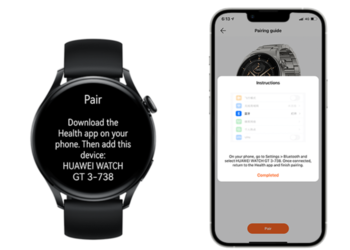
Pairing Fails when connecting Huawei Watch GT 3 to My iPhone
Tips And Tricks

Pairing Fails when connecting Huawei Watch GT 3 to My iPhone

June 25, 2022

POPULAR NEWS

Huawei Health App Update

Huawei Health App Update 2026: New AI Features

July 15, 2026
Stable EMUI 12 2023

Updated EMUI 12 plan for Global users [January 2023]

January 19, 2023
Huawei EMUI 13 Eligible Devices

Huawei EMUI 13 Eligible devices for global market

March 22, 2023
Download and Install EMUI 10

Download and Install EMUI 10 on any Huawei phone

February 11, 2020
Huawei Music

Huawei Music Latest 2026 Update

May 28, 2026

EDITOR'S PICK

MatePad 11

Huawei’s mysterious model MatePad 11 is leaked

May 25, 2021
Huawei Mate 40 Pro November 2021 update Europe

Huawei Mate 40 Pro getting November 2021 security patch update in Europe

December 19, 2021
Huawei P30 Pro Stable EMUI 11 Update India

[Live in India] Huawei P30 Pro EMUI 11 stable update

May 22, 2021
Huawei MatePad 11.5-inch S tablet

Huawei releases MatePad 11.5-inch S tablet

May 7, 2024

About

HUpdate brings you the latest Huawei news, HarmonyOS & EMUI updates, firmware releases, and device coverage — all in one place. Stay updated with accurate, timely Huawei tech news.

Categories

  • Android
  • Ark OS
  • Deal
  • EMUI
  • EMUI 10
  • EMUI 10 Timeline
  • EMUI 10.1
  • EMUI 11
  • EMUI 12
  • EMUI 13
  • EMUI 14
  • EMUI 9.1
  • Game
  • Guides And How-To
  • Harmony OS 2
  • HarmonyOS 3
  • HarmonyOS 4
  • HarmonyOS 5
  • Hongmeng
  • Honor Products
  • Huawei 5G
  • Huawei Apps Apk
  • Huawei Mobile Services
  • Huawei News
  • Huawei Phones
  • Huawei Weekly Report
  • Magic UI 3
  • Magic UI 3.1
  • Magic UI 4.0
  • News
  • Tips And Tricks
  • Uncategorized
  • Updates

Recent Posts

  • Huawei Health App Update 2026: New AI Features
  • Huawei Mate 90 Hardware Upgrades & INSPIRE 2026 Cloud News
  • MTN Zambia and Huawei, have teamed up to fix a big problem
  • Huawei & Angola Partner for Smart Grid Transformation & Green Energy
  • About Us
  • Privacy Policy
  • Sitemap
  • Send A Tip

© 2026 HUpdate

No Result
View All Result
  • Home
  • HarmonyOS
    • HarmonyOS History
  • EMUI Updates
    • EMUI History
  • News
  • Send A Tip

© 2026 HUpdate

Go to mobile version