



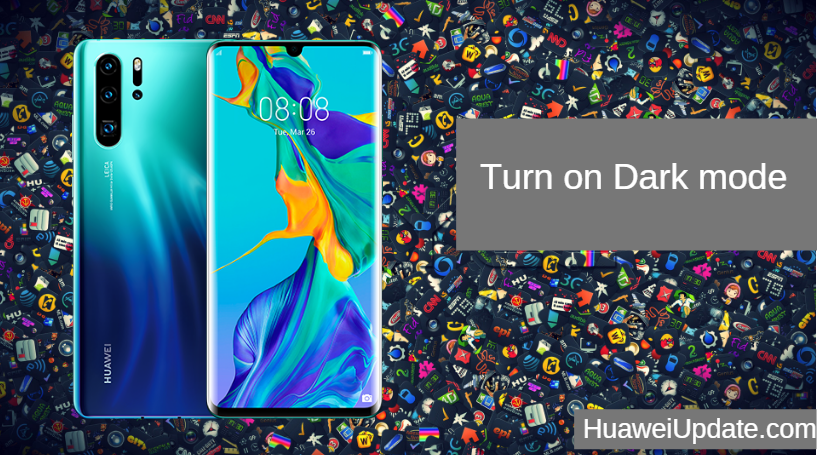
Huawei P30 Pro Tips And Tricks: Turn on Dark mode
If you still want to try out the dark theme of EMUI, head over to Settings -> Battery and enable the Darken ...
If you still want to try out the dark theme of EMUI, head over to Settings -> Battery and enable the Darken ...

For the latter, go to Settings -> Apps -> Phone Services -> Auto-record calls. Proceed to enable the option and tweak the ...

This shortcut is disabled by default so enable it by going to Camera app -> Settings -> Ultra snapshot and select the ...

Just enable the feature from Settings -> Smart assistance -> Shortcuts & gestures -> HiVoice. HUAWEI P30 PRO SPECIFICATIONS: DISPLAY Size: 6.47 ...
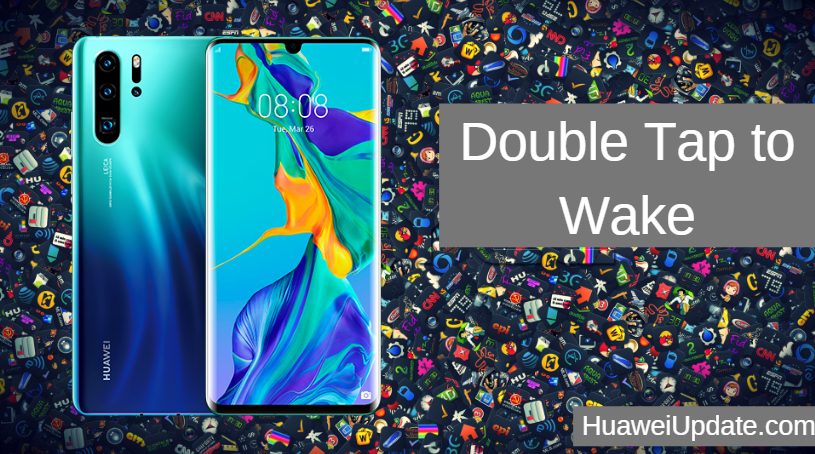
if you miss the double tap to wake feature on your P30 or P30 Pro, just enable it from Settings -> ...
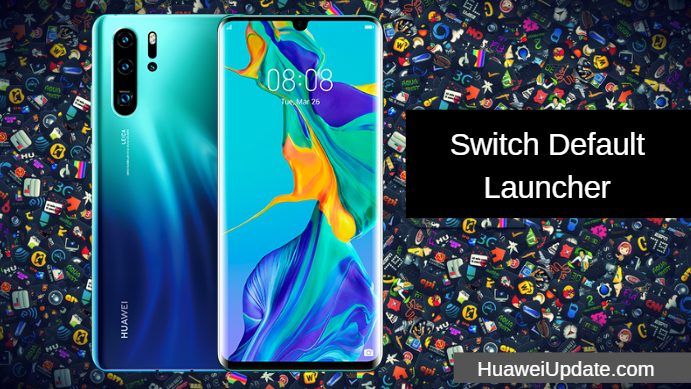
Huawei P30 Pro Tips And Tricks: Switch Default Launcher To change the default launcher on the Huawei P30 or the ...

Turn on Display for Notifications: Getting a lot of notifications? Don't worry For this, you can use simply get the ...

Are you looking to quickly answer calls on your Huawei P30 or P30 Pro? Go to Settings -> Smart assistance ...

Huawei and Audi reached cooperation, without the need for a physical car key, with a mobile phone to complete a ...