

HU
No Result
View All Result
  • Home
  • HarmonyOS
    • HarmonyOS History
  • EMUI Updates
    • EMUI History
  • News
    Huawei Mate 80 Pro

    Huawei Mate 90 Hardware Upgrades & INSPIRE 2026 Cloud News

    MTN Zambia and Huawei

    MTN Zambia and Huawei, have teamed up to fix a big problem

    Huawei & Angola Partner

    Huawei & Angola Partner for Smart Grid Transformation & Green Energy

    Huawei Mate 90 news

    Huawei Mate 90 Series Sales Date: Flagship Timeline Revealed Early

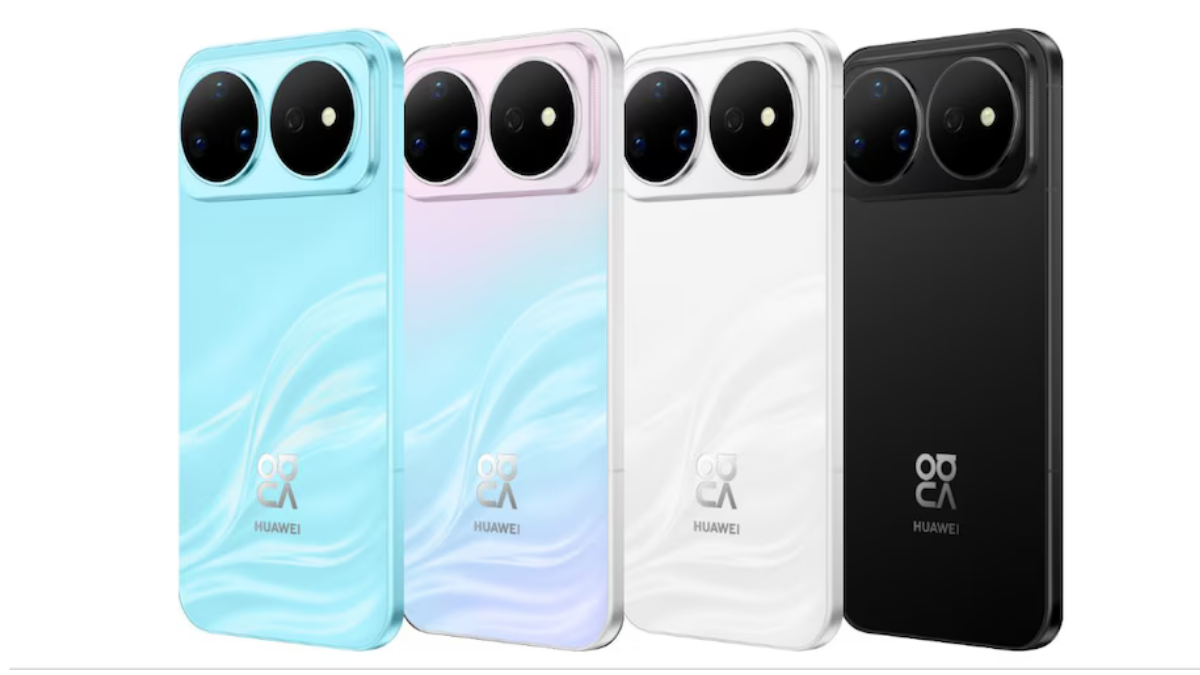
    Huawei Nova 16 Ultra

    Huawei Nova 16 Ultra launched with 200MP camera and 7000mAh battery

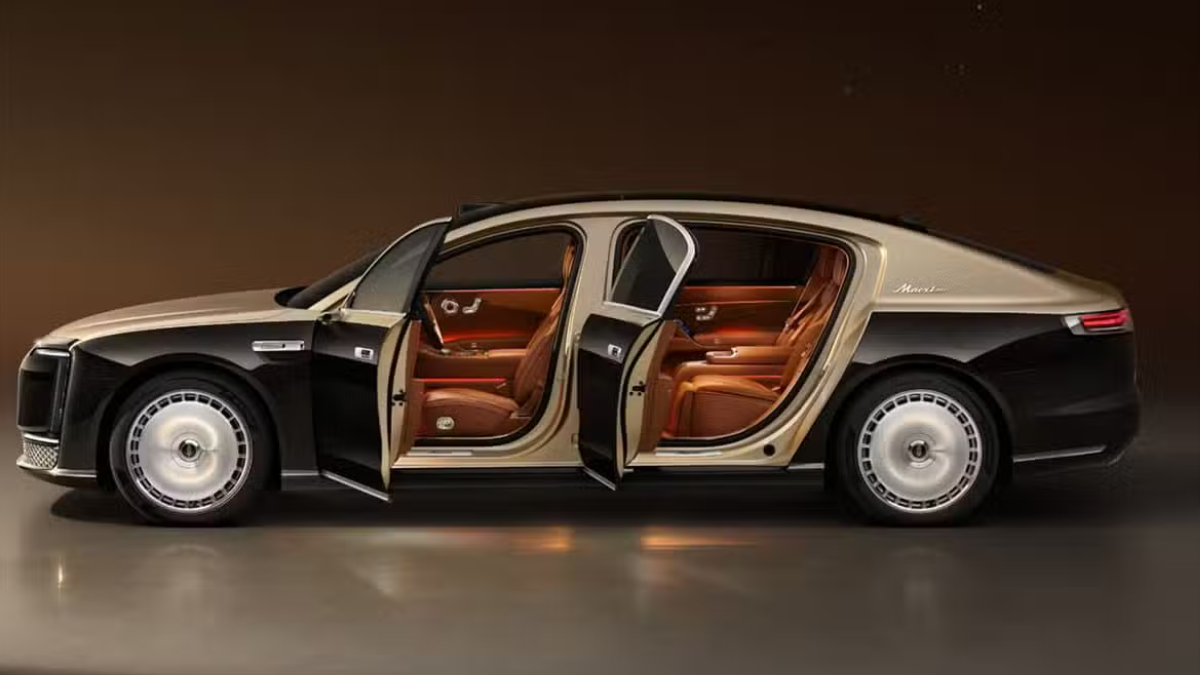
    Huawei Maextro S800 ultra

    Huawei Maextro S800 ultra luxury sedan outsells Mercedes Maybach in China

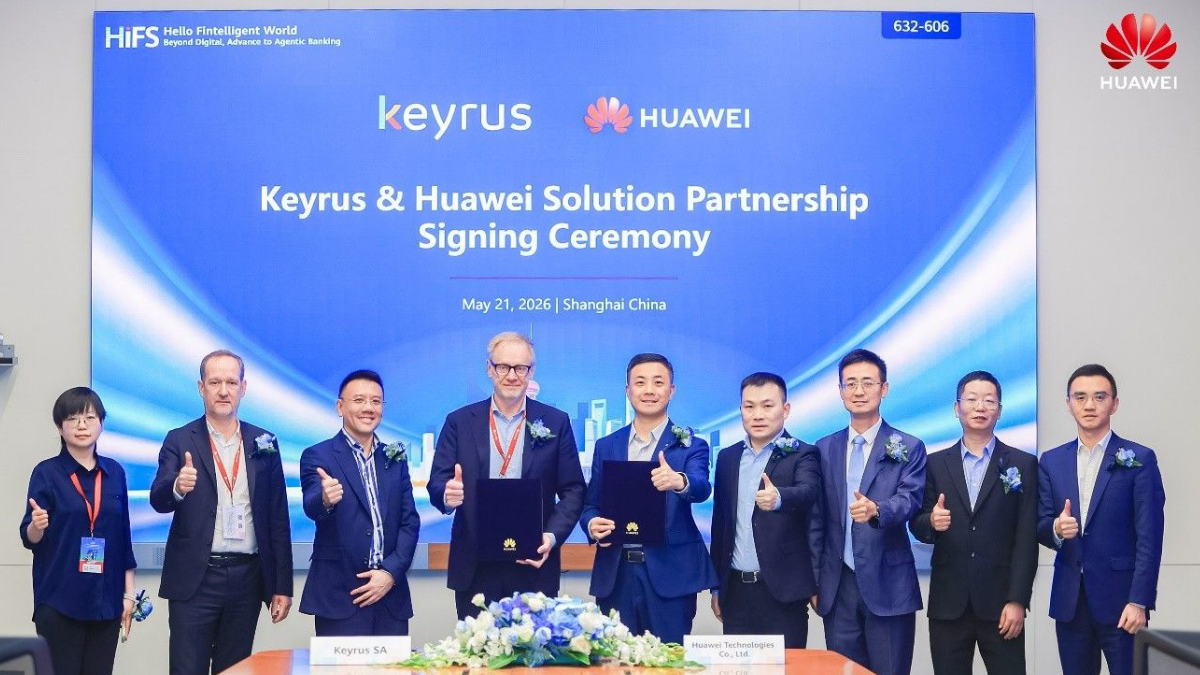
    Huawei Keyrus

    Huawei partners with Keyrus to scale data and AI tools in global markets

    Huawei Logo Image - Credit Unsplash

    Huawei Ascend chips reach major milestone in new DeepSeek AI update

    Huawei Gartner 2026 image

    Huawei Named Leader in 2026 Gartner Wired and Wireless LAN Infrastructure Magic Quadrant

    Trending Tags

    • Mate 50
    • P40
  • Send A Tip
  • Home
  • HarmonyOS
    • HarmonyOS History
  • EMUI Updates
    • EMUI History
  • News
    Huawei Mate 80 Pro

    Huawei Mate 90 Hardware Upgrades & INSPIRE 2026 Cloud News

    MTN Zambia and Huawei

    MTN Zambia and Huawei, have teamed up to fix a big problem

    Huawei & Angola Partner

    Huawei & Angola Partner for Smart Grid Transformation & Green Energy

    Huawei Mate 90 news

    Huawei Mate 90 Series Sales Date: Flagship Timeline Revealed Early

    Huawei Nova 16 Ultra

    Huawei Nova 16 Ultra launched with 200MP camera and 7000mAh battery

    Huawei Maextro S800 ultra

    Huawei Maextro S800 ultra luxury sedan outsells Mercedes Maybach in China

    Huawei Keyrus

    Huawei partners with Keyrus to scale data and AI tools in global markets

    Huawei Logo Image - Credit Unsplash

    Huawei Ascend chips reach major milestone in new DeepSeek AI update

    Huawei Gartner 2026 image

    Huawei Named Leader in 2026 Gartner Wired and Wireless LAN Infrastructure Magic Quadrant

    Trending Tags

    • Mate 50
    • P40
  • Send A Tip
No Result
View All Result
HUpdate
No Result
View All Result
Home EMUI

The features of EMUI you dont want to miss

Min by Min
January 29, 2020
in EMUI
0
features of EMUI

features of EMUI

154
SHARES
1.9k
VIEWS
Share on FacebookShare on Twitter

Huawei EMUI has a lot of practical functions worthy of the experience. According to Huawei, the EMUI has now reached to more than 500 million daily active users in all countries and regions and supports 77 languages. Let’s check the best EMUI features.

1. Everyone will take screenshots, but you also have gestures for recording. Do you know?

READ ALSO

EMUI 13 on board, finally arriving soon

EMUI: Huawei’s VP Bruce Lee responds on the Phone prompts to intercept QQ deleted photos

Most people may know that the screen recording button can be found in the drop-down notification bar of Huawei phones, and it can be used to quickly perform screen recording operations. But beyond that, we actually have two more ways to record screens quickly.

Step: Settings-Accessibility-Quick Launch and Gestures

After opening it, you can still use Huawei ’s iconic knuckle operation-in addition to the single-finger double-click screenshot that many people know, there are also two-finger double-click to quickly enter the screen recording operation.

2. Huawei has its own translation

When browsing foreign language web pages, when reading emails, and translating products from Haitao, translations are required. You can take a screenshot directly.

Take Amazon’s selection of overseas purchases as an example, everyone will tell that its product introduction is basically not there, and it is likely that it is not translated into Chinese.

At this time, you can use the screen translation to complete it, avoiding us to read the words one by one and turn the dictionary one by one.

emui translation

Long press the middle of the screen with two fingers, the current translation will be automatically performed. By default, the language is automatically recognized and translated into Chinese. You can also modify the language you want to translate into after waiting for translation.

If two-finger long press does not trigger translation, this function may not be turned on, and we need to turn on the “Smart Screen”. If you don’t know which one to set , please open the setting—Smart Assistant—Smart Screen.

3. Open by scanning:

There is extended use of this technique-when you travel abroad, what should the restaurant hand you with an unreadable menu? What do you do when you hold a copy of imported cosmetics and don’t know if it is suitable for you?

Especially when this text is not in English and you do n’t even know how to input with the keyboard, the photo translation function is very suitable for you.

Method:

-Quickly access Smart Vision with the scan button in the search bar.

-Open the camera interface and select the smart vision function in the upper left.

emui scan

Huawei EMUI Smart Vision “Sweep Shop” Feature:

Huawei’s EMUI smart vision “shop sweep” feature officially announced. Users can scan the merchant’s signboards to understand the scores and evaluations, or purchase coupons directly, and they can also be used with the recognition function.

New UX:

EMUI 10 UI design is inspired by Magazine style layout and colored with Morandi color pallet, new screen transition, more cleaner UI elements including icons, menus and notification panel. The new version of EMUI also adds new colorful Always-on Display (AOD).

EMUI 10 also adds the new dark mode that brings more visual comfort. Human factors research revealed that a color’s brightness and saturation are perceived differently depending on a light or dark background. The dark mode optimizes both color contrast between texts and dark backgrounds as well as the color of texts and system icons, and the end result ensures the visual consistency, comfort, and legibility.

Security: Distributed security, build a distributed full-scenario security system to ensure that the right people, on the right equipment, use the right information.

Hardware Compatibility – Mutual Sharing: The hardware capability mutual aid sharing virtualizes the hardware capabilities (display, camera, microphone, and speaker) of different devices, and puts them into the hardware capability resource pool to supply and use. The capabilities of each device are mutually shared and shared with each other.

One-Touch Screen Sharing: For the application, it is like running on the same devices. That is to say, if you have a video on your mobile phone and use a distributed capability to talk, users can use the phone, speaker or smart screen to talk, the speaker can make the sound bigger, and the smart screen is to enlarge the video picture.

Multi-Screen Collaboration: All peripherals of mobile phones and PCs can be used interchangeably. The peripherals such as mouse/keyboard can be used to control mobile phones. Mobile phones and PC applications support seamless collaboration, but third-party applications are required.

Here are the eligible Huawei devices to support Multi-screen collaboration feature: 

Laptops or Tablet:

MateBook D 15 /  MateBook D 14 / MateBookX Pro 2019 / MateBook 13 / MateBook 14 / HUAWEI MateB ook X / HUAWEIMateBook X Pro / Honor MagicBook 2019 / Honor  MagicBookPro / HUAWEIMate Book D (2018 Edition ) // Honor  MagicBook / Honor  MagicBook Ryzen Edition.

Smartphones:

HUAWEI Mate30 series ( HUAWEI Mate 30, HUAWEI Mate 30 Pro, HUAWEI Mate 30 RS Porsche Design, HUAWEI Mate 30 5G, HUAWEI Mate 30 Pro 5G ), Nova6, Honor V30, Upgraded EMUI 10 supported models: P30 series ( HUAWEI  P30, HUAWEI P30 Pro ), Mate20 series ( HUAWEI Mate 20, HUAWEI Mate 20 Pro, HUAWEI Mate 20 RS Porsche Design, HUAWEI Mate 20X (4G version) ), HUAWEI Mate 20X (5G version), ), Honor 20, Honor 20 Pro, Honor V20, Honor Magic2.
Tags: EMUIEMUI 10EMUI FeaturesEMUI latest featuresHuaweihuawei emuiThe features of EMUI

Related Posts

Huawei EMUI 13 2022-2023
EMUI

EMUI 13 on board, finally arriving soon

September 7, 2022
EMUI
EMUI

EMUI: Huawei’s VP Bruce Lee responds on the Phone prompts to intercept QQ deleted photos

May 6, 2020
EMUI 10.1 and Magic UI 3.1
EMUI

EMUI 10.0 and Magic UI 3.0 April 2020 update list

April 25, 2020
Huawei Enjoy 10
EMUI

Huawei Enjoy 10 getting February 2020 security patch update

April 12, 2020
Huawei MediaPad M5 Lite
EMUI

Huawei MediaPad M5 8.4 getting February 2020 security patch update

April 9, 2020
Huawei EMUI
EMUI

Huawei P9 getting 08-19 security patch update

April 9, 2020

POPULAR NEWS

Huawei Health App Update

Huawei Health App Update 2026: New AI Features

July 15, 2026
Stable EMUI 12 2023

Updated EMUI 12 plan for Global users [January 2023]

January 19, 2023
Huawei EMUI 13 Eligible Devices

Huawei EMUI 13 Eligible devices for global market

March 22, 2023
Download and Install EMUI 10

Download and Install EMUI 10 on any Huawei phone

February 11, 2020
Huawei Music

Huawei Music Latest 2026 Update

May 28, 2026

EDITOR'S PICK

Huawei P50 Pro May 2022 security patch update (1)

Huawei P50 Pro getting May 2022 security patch update

May 27, 2022
Huawei Petal Maps version 2.6.0.300(001)

Download Huawei Petal Maps version 2.6.0.300(001) APK

June 18, 2022
huawei ark compiler

List of Huawei and Honor smartphones that support Ark Compiler

August 31, 2019
Samsung operates Huawei Highly Autonomous Networks GoalOdyssey Experience Zone

Huawei Highly Autonomous Networks Goal

November 3, 2023

About

HUpdate brings you the latest Huawei news, HarmonyOS & EMUI updates, firmware releases, and device coverage — all in one place. Stay updated with accurate, timely Huawei tech news.

Categories

  • Android
  • Ark OS
  • Deal
  • EMUI
  • EMUI 10
  • EMUI 10 Timeline
  • EMUI 10.1
  • EMUI 11
  • EMUI 12
  • EMUI 13
  • EMUI 14
  • EMUI 9.1
  • Game
  • Guides And How-To
  • Harmony OS 2
  • HarmonyOS 3
  • HarmonyOS 4
  • HarmonyOS 5
  • Hongmeng
  • Honor Products
  • Huawei 5G
  • Huawei Apps Apk
  • Huawei Mobile Services
  • Huawei News
  • Huawei Phones
  • Huawei Weekly Report
  • Magic UI 3
  • Magic UI 3.1
  • Magic UI 4.0
  • News
  • Tips And Tricks
  • Uncategorized
  • Updates

Recent Posts

  • Huawei Health App Update 2026: New AI Features
  • Huawei Mate 90 Hardware Upgrades & INSPIRE 2026 Cloud News
  • MTN Zambia and Huawei, have teamed up to fix a big problem
  • Huawei & Angola Partner for Smart Grid Transformation & Green Energy
  • About Us
  • Privacy Policy
  • Sitemap
  • Send A Tip

© 2026 HUpdate

No Result
View All Result
  • Home
  • HarmonyOS
    • HarmonyOS History
  • EMUI Updates
    • EMUI History
  • News
  • Send A Tip

© 2026 HUpdate

Go to mobile version