





Huawei unveiled its P40 series in March 2020 to the world. The whole lineup includes three new smartphones Huawei P40, P40 Pro, and the P40 Pro+. All three phones have been announced by Huawei in glossy white, black, and blue and matte silver and gold finishes.
Of the three, the P40 Pro+ will get the most amount of storage, with 512GB of memory, while the cP40 Pro will get 256GB of memory. The P40 is the most modest of the three with 128GB of storage. RAM on all three phones is the same at 8GB.
Huawei P40 Pro, P40 Pro+: Specifications
The Huawei P40 Pro and P40 Pro+ sports a 6.58-inch octa flex display which is curved on both sides. The display is capable of Quad HD+ resolutions and a 90Hz refresh rate. It also supports DCI-P3 HDR colour gamut.
Both phones are powered by Huawei’s own Kirin 990 chipset paired with 8GB of RAM on the P40 Pro and 8GB of RAM on P40 Pro+. For storage, the P40 Pro gets up to 256GB storage while the P40 Pro+ gets 512GB of memory for storing photos, videos and games.
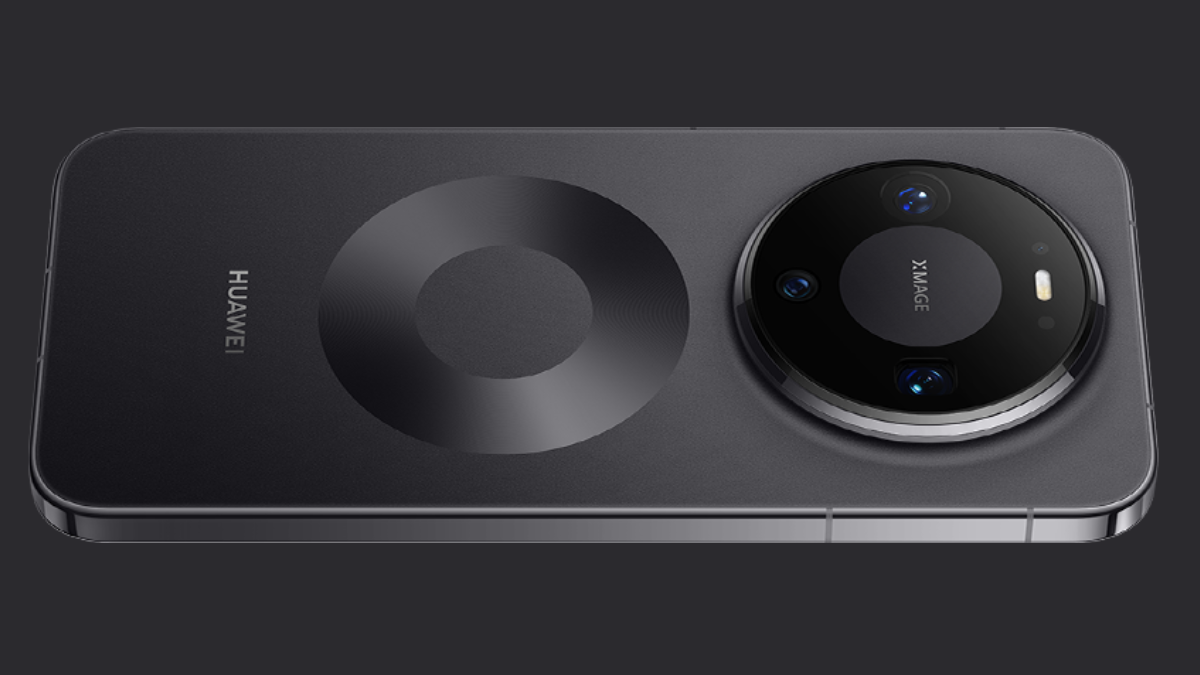
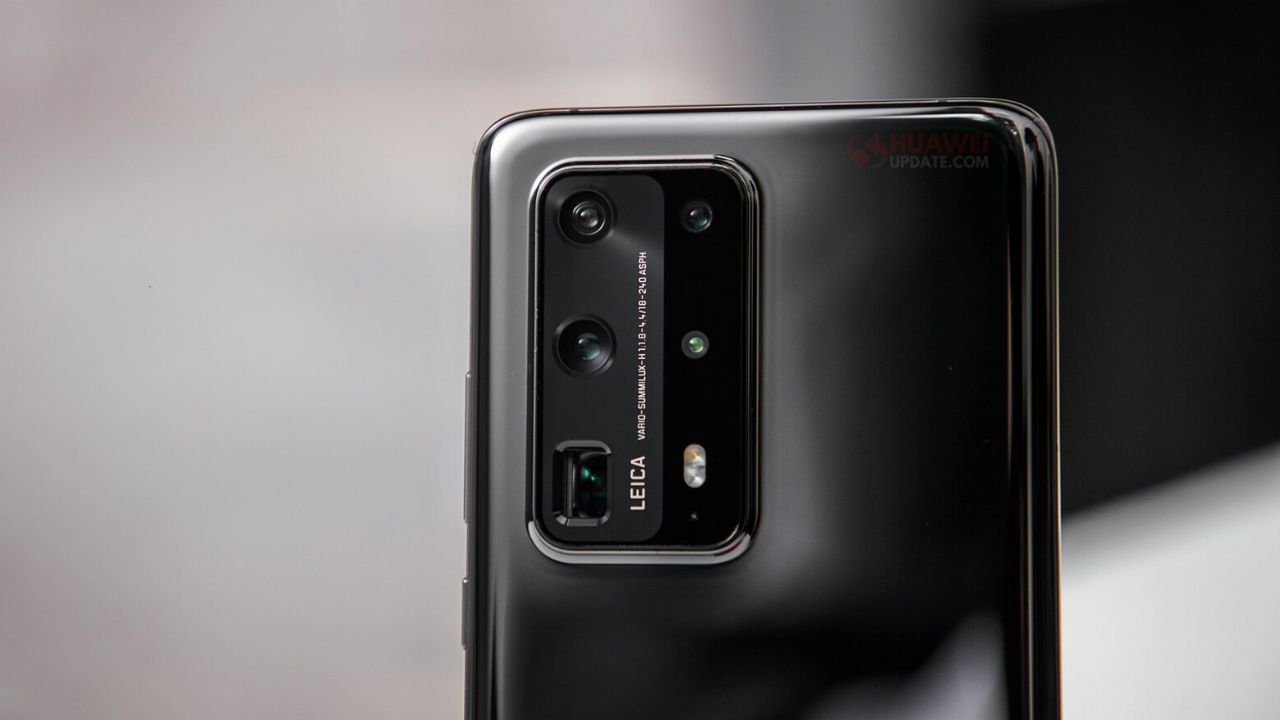
As per the camera concern, the P40 Pro+ gets a Leica Ultra Vision camera set-up that will comprise of a 50-megapixel primary lens, a 40-megapixel secondary lens, an 8-megapixel periscope lens, an 8-megapixel telephoto lens, a ToF sensor and finally a colour temperature sensor too — making it a total of 6 sensors onboard for photography.
The P40 Pro, on the other hand, brings a quad-camera set-up which again has the same branding but will comprise of a 50-megapixel primary lens, a 40-megapixel secondary lens, a 12-megapixel telephoto lens, and a fourth ToF sensor. There will also be a colour temperature sensor on the P40 Pro.
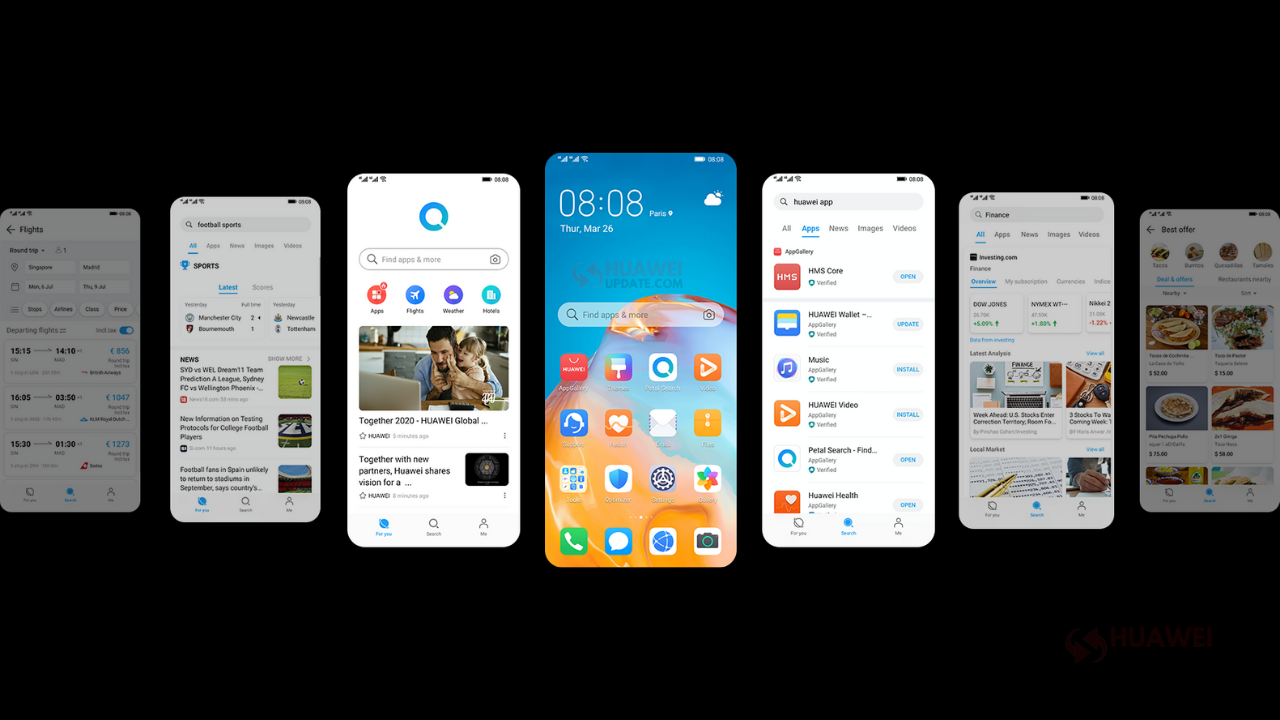
There is a 4,200 mAh battery with support for 40W wired charging and also 40W super-fast wireless charging on the P40 Pro+ while, 27W wireless charging on the P40 Pro. The Huawei P40 Pro and P40 Pro+ pre-installed with HMS-based EMUI 10.1.
Huawei P40: Specifications
The Huawei P40, on the other hand, comes with a much smaller 6.1-inch display with a wide punch-hole. The display itself is a Full HD+ one and supports only 60Hz refresh rates. The phone is powered by a Kirin 990 chipset 3,800mAh battery and a maximum charging speed of 22.5W using a Type-C cable. The phone gets 128GB of storage and 8GB of RAM.
The Huawei P40 has a Leica Ultra Vision triple camera set-up with a 50-megapixel primary camera set next to a 16-megapixel lens and an 8-megapixel lens. It also comes with HMS-based EMUI 10.1.
In this article, we will check the Huawei P40 Series’ latest software updates including EMUI 11, EMUI 12 and HarmonyOS. Check the list below.
Huawei P40 Series latest EMUI updates:
December 17, 2022: The Huawei P40 Pro is now getting the December 2022 security patch update in Europe. Based on EMUI 12 the latest firmware update is rolling with firmware version 12.0.0.296.
December 11, 2022: Christmas 2022 is near and Huawei has started sending gifts to the P40 Lite owners as a new software update in Europe. The all-new update brings November 2022 security patch with the firmware version 12.0.0.257.
December 02, 2022: The Huawei FreeBuds Pro 2 and P40 Lite devices are now getting new software updates in the global market. The P40 Lite gets November 2022 security patch update while the FreeBuds Pro 2 gets a Bluetooth connection stability update.
November 20, 2022: Huawei P40 Pro November 2022 firmware update is rolling out in the global market. The latest firmware comes with the build number 12.0.0.290 and the update size is 299 MB.
November 04, 2022: Huawei P40 series is now getting the new HarmonyOS update in mainland China. The latest software update is rolling out with the firmware version HarmonyOS 3.0.0.156.
November 01, 2022: Huawei P40 Pro and P40 Lite October 2022 security patch update is now available in Europe. The latest firmware for the P40 Pro is rolling out with the version EMUI 12.0.0.276 while the P40 Lite is getting EMUI 12.0.0.246.
October 27, 2022: Huawei P40, P40 Pro, and Mate 30 Pro smartphones are now receiving the October 2022 patch update in the global market.
September 30, 2022: Huawei P40 Pro September 2022 firmware update comes with 296 MB of download size and the build number is EMUI 12.0.0.270.
September 30, 2022: The September 2022 security patch is now finally available for Huawei P40 Lite users in Europe. The latest software update bumps up firmware version 12.0.0.245 and the update size is 226MB.
- HarmonyOS 3 Beta: Huawei P40, Mate 30, Nova 9 and more early adopters [September 9, 2022]
- Europe: Huawei P40 Pro August 2022 security update goes live [August 25, 2022]
- Huawei P40 Lite 5G July 2022 security update in Romania [August 25, 2022]
- Huawei P40 August 2022 security update now available
- Huawei P40 Lite July 2022 security update rolling out [August 14, 2022]
- Huawei P40 Series gains July 2022 security patch [August 02, 2022]
- [Romania] Huawei P40 Lite 5G receiving June 2022 security update [July 08, 2022]
- Huawei P40 Pro upgraded to June 2022 patch [June 29, 2022]
- Huawei P40 Lite 5G Romania users getting May 2022 security update [June 10, 2022]
- Huawei P40 Lite receiving May 2022 security update in Europe [June 07, 2022]
- Huawei P40 Lite 5G receiving April 2022 security patch in UK [June 06, 2022]
- Huawei P40 Series getting May 2022 security patch [June 01, 2022]
- Huawei P40 Pro Middle East users getting May 2022 patch [May 24, 2022]
- Huawei P40 Pro Europe users getting May 2022 security update [May 24, 2022]
- Huawei P40 Lite 5G receiving April 2022 security patch update in Romania [May 19, 2022]
- Huawei P40 Lite receiving April 2022 security update in Europe [April 30, 2022]
- Huawei P40 Series getting April 2022 security patch [April 30, 2022]
- HarmonyOS 3.0 developer preview leaked on Huawei P40 Pro [April 14, 2022]
- Huawei P40 Pro Middle East users getting EMUI 12.0.0.236 Patch01 update [April 09, 2022]
- HarmonyOS 2.0.0.230 update rolling for Huawei Mate X2, Mate 30, P40 Series and more [March 29, 2022]
- Romania: Huawei P40 Lite 5G receiving March 2022 security patch update [March 22, 2022]
- Huawei P40 Pro UK users receiving February 2022 patch update [March 11, 2022]
- UK: Huawei P40 Lite 5G receiving stable EMUI 12 update [March 07, 2022]
- Huawei P40 Pro and Mate 40 Pro receiving February 2022 patch in Europe [March 02, 2022]
- Huawei P40 Series getting February 2022 security patch update [March 01, 2022]
- Huawei P40 Pro Saudi Arabia users getting stable EMUI 12 update [February 23, 2022]
- EMUI 12: Huawei P40 Lite getting stable EMUI 12 update in Europe [February 14, 2022]
- Huawei P40 series start receiving stable EMUI 12 in Turkey [February 12, 2022]
- Huawei P40 series now support official storage expansion [February 11, 2022]
- Huawei P40 Lite receiving January 2022 security update in Europe [February 05, 2022]
- Huawei P40 Pro and P40 Pro Plus January 2022 security patch update released [January 24, 2022]
- Huawei P40 Pro getting Stable EMUI 12 in Europe [January 20, 2022]
- Huawei P40 Lite E receiving December 2021 security patch update [January 11, 2022]
- Romania: Huawei P40 Lite 5G getting December 2021 security patch update [January 09, 2022]
- EMUI 12 stable update rolling out for Huawei P40 Pro in Europe [January 07, 2022]
- Huawei P40 Lite December 2021 patch expanding to Europe [January 07, 2022]
- In Namibia Huawei P40 Lite grabbing December 2021 patch update [January 05, 2022]
- Together November and December 2021 EMUI 11 patch available for Huawei P40 Pro in Europe [December 13, 2021]
- HarmonyOS 2.0.0.212: Huawei P40 getting November 2021 patch update [November 16, 2021]
- Huawei P40 October 2021 patch rolling out in Europe [November 11, 2021]
- Huawei P40 Lite 5G getting October 2021 patch update in Europe [November 03, 2021]
- In Europe Huawei P40 Pro and P40 Pro Plus getting system stability improvement and more apps update [November 03, 2021]
- Huawei P40 Lite 5G users in the UK getting September 2021 patch [November 02, 2021]
- Huawei P40 Pro Middle East users receiving October 2021 patch update [November 01, 2021]
- In Europe Huawei P40 getting September 2021 patch update [October 25, 2021]
- In Middle East Huawei P40 Pro getting MeeTime update [October 23, 2021]
- Huawei P40 Pro grabbing June 2021 security patch update in Europe [August 09, 2021]
- EMUI 11 Europe: Huawei P40 Pro+ and Mate 30 Pro getting June 2021 patch update [August 07, 2021]
- Huawei P40, P40 Pro, and P40 Pro Plus getting April 2021 security patch in Europe [June 12, 2021]
- Huawei P40 Pro+ users in Europe getting April 2021 patch update [June 05, 2021]
- [P40 Pro and Pro+ Too] EMUI 11 Europe: Huawei P40 grabbing March 2021 patch update [April 21, 2021]
- Huawei P40 Pro+ users in Europe grabbing February 2021 patch update [March 27, 2021]
- February 2021 security update goes live for Huawei P40 Series [March 20, 2021]
- [Update: Europe] Huawei P40 series receiving January 2021 security update [March 09, 2021]
- EMUI 11: Huawei P40 Pro receiving December 2020 patch in the Middle East [February 03, 2021]
- In Europe Huawei P40 series getting December 2020 security patch update [January 15, 2021]
- Huawei P40 Series EMUI 11.0.0.166 Full Changelog [January 13, 2021]
Note: Once you receive the latest EMUI updates, you can send us a tip with a screenshot/changelog/country name/version at firmware@huaweiupdate.com. We will update other users with the same device in different territories as soon as possible.